Booking.com and Airbnb are enough to start, but not forever
Most vacation rental owners start out with portals, and that makes sense. Booking.com and Airbnb offer instant visibility, guest trust, and a ready-made payment system. The problem shows up later, once the number of bookings grows: commissions grow right along with it, and it gets harder to tell a returning guest apart from a brand-new lead.
That's the moment to ask: would a booking system built for vacation rentals already pay off, or is it still too early?
Signs it's worth thinking about your own website
A dedicated booking website makes particular sense when:
- you have regular guests who come back every year and message you directly,
- you manage more than one apartment or villa,
- portal commissions are starting to eat into your margin,
- you want guests' contact details, not just messages sitting in a portal inbox,
- your website currently ends with a contact form instead of an actual booking process.
If at least two of these sound like your situation, that's a good sign it's time to start planning your own direct-booking channel.
The calendar is usually the biggest hesitation
The biggest fear for apartment owners is a double booking, the same date sold on two channels at once. That's a real risk if the calendars aren't connected.
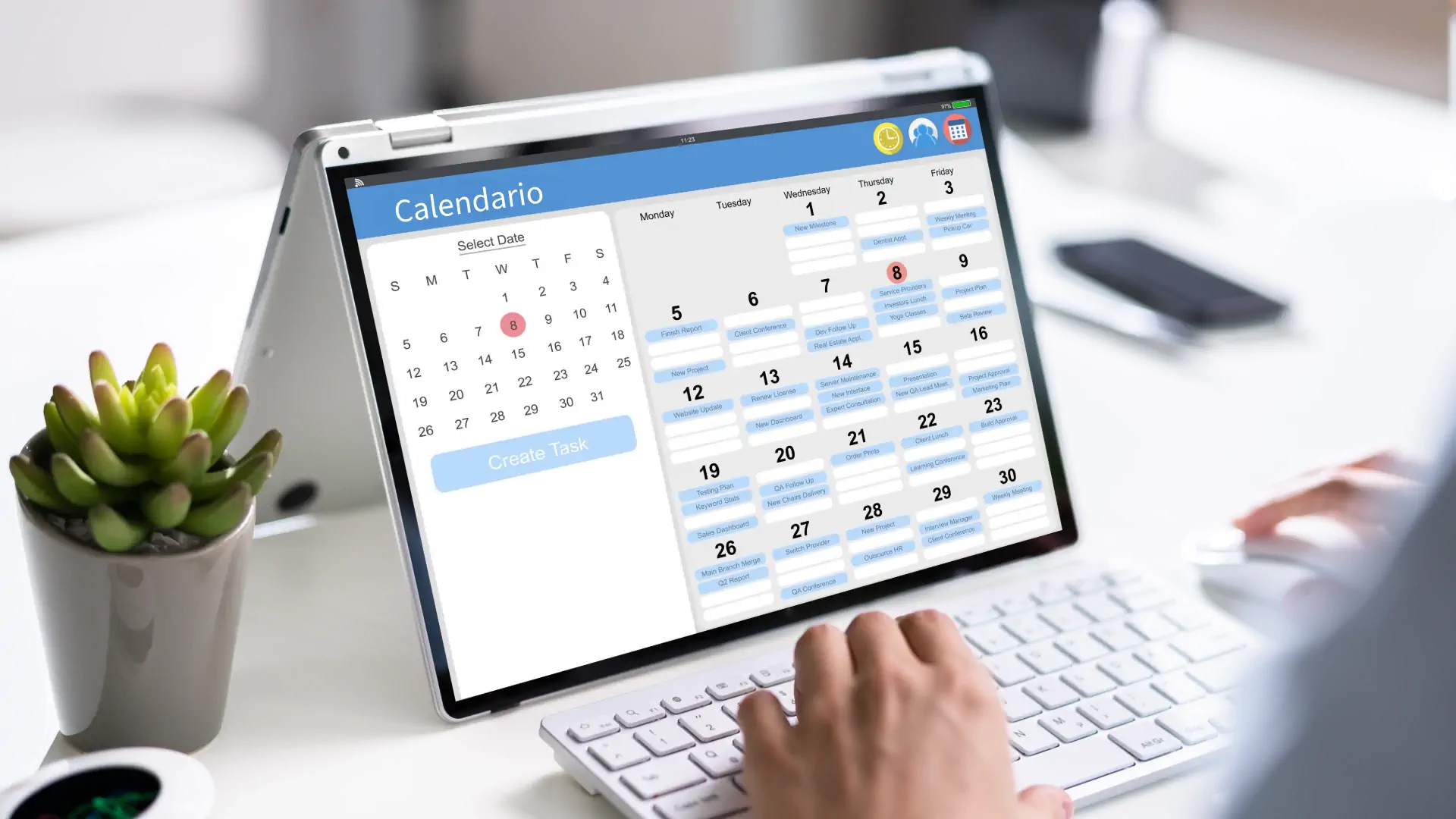
That's why calendar synchronization is one of the first features worth implementing alongside your own system. It keeps availability from Booking.com and Airbnb updated in real time alongside bookings made directly, so the apartment never gets sold twice.
Deposits instead of full payment upfront
Not every guest who messages you directly is ready to pay the full amount right away. A sensible approach is to collect a deposit when the dates are confirmed, with the balance due closer to arrival.
Online payments and deposits in a dedicated system let you:
- secure the dates without waiting for the full amount,
- automatically show a status of "deposit paid" or "balance pending",
- reduce the number of last-minute cancellations.
This works well both for a single apartment and for several properties managed at once.
Your own guest database has long-term value
A portal treats the guest as its own customer. The owner sees the message, but rarely gets full contact details or the chance to build a relationship for the future.
Your own booking system flips that around. With the guest's consent, their details stay with you. That means you can send a reminder before the next season, offer a discount for booking direct, or simply say thank you after the stay.
Automatic messages save time
With several apartments, manually sending confirmations, directions, and balance-due reminders quickly becomes unmanageable. Automatic messages in a booking system can send:
- a booking confirmation right after the inquiry,
- a reminder about the balance a few days before arrival,
- check-in instructions closer to the stay,
- a request for a review after the guest checks out.
That way, the owner or manager doesn't have to remember every step manually, the system handles it in the background.
When it's not worth it yet
If you have a single apartment that you rent out occasionally, a few times a year, a full booking system might be overkill for now. In that case, a well-designed website with a simple form and a clear availability overview is often enough, you can add a calendar, deposits, and a CRM later, as your booking volume grows.
Summary
Your own booking system for a vacation rental isn't an all-or-nothing solution. It's more of a set of features, calendar, deposits, guest database, automatic messages, that you can roll out gradually as your business scales up.
Want to find out which scope makes sense for your apartments? Get in touch through the contact form, together we'll work out whether it's best to start with the calendar and deposits, or go straight for a full system with an admin panel.