



Websites
• 7 min
Setting Up an Online Store in Tenerife Step by Step: IGIC, Bizum and Shipping
Opening an online store from Tenerife or another island? The Canaries use IGIC, and shipping to the mainland is formally…
Read moreRunning a business on Tenerife, in the Canaries or elsewhere in Spain? I'll build you a website that brings in enquiries, or a system that takes bookings. We work in English, Spanish or Polish.
I'm Krzysztof, I live and work in Los Cristianos. Websites from €590, booking systems with no Booking.com commission, CRM and automations. On Tenerife we can meet in person.
Business websites · Shops · Online bookings · CRM and automations
Business website, offer, contact form, visibility on Google. From €590.
See how it worksStays, transfers, tours, appointments. Guests book and pay with you.
See how it worksRedesign, SEO, maintenance, tidy enquiries and client lists.
See how it worksA snapshot of the portfolio, from booking-system sites for apartments to landing pages for Irish companies. Each one designed around a specific business goal.
This is just a fraction. See the full list of projects, from apartments to B2B companies.
See all our workMy flagship product is a website with a booking system, but I also build company websites, shops and SEO, and I help you get your customers organised: CRM, automations and an AI assistant. Locally, in Tenerife, and in your language.
Calendar, payments, Booking and Airbnb sync, admin panel and CRM for businesses that sell dates.
from 1 800 €
See the offerWeb design in Tenerife and the Canary Islands: fast Next.js websites, hosting and domain included, support in English, Spanish and Polish. Quote in 24 hours.
from €590
See the offerE-commerce for Tenerife and the Canary Islands: a fast Next.js online shop with card and Bizum payments, IGIC invoices and shipping to the islands and Europe.
from €2,500
See the offerLocal SEO in Tenerife and the Canaries: Google Business Profile, site fixes and content in 3 languages that bring customers from Google. No lock-in contracts.
from €290
See the offerGet your business organised
Apartment, villa, transfer, tour, cruise, rental company, salon or clinic, every industry has a different booking process, different statuses and different customer questions.
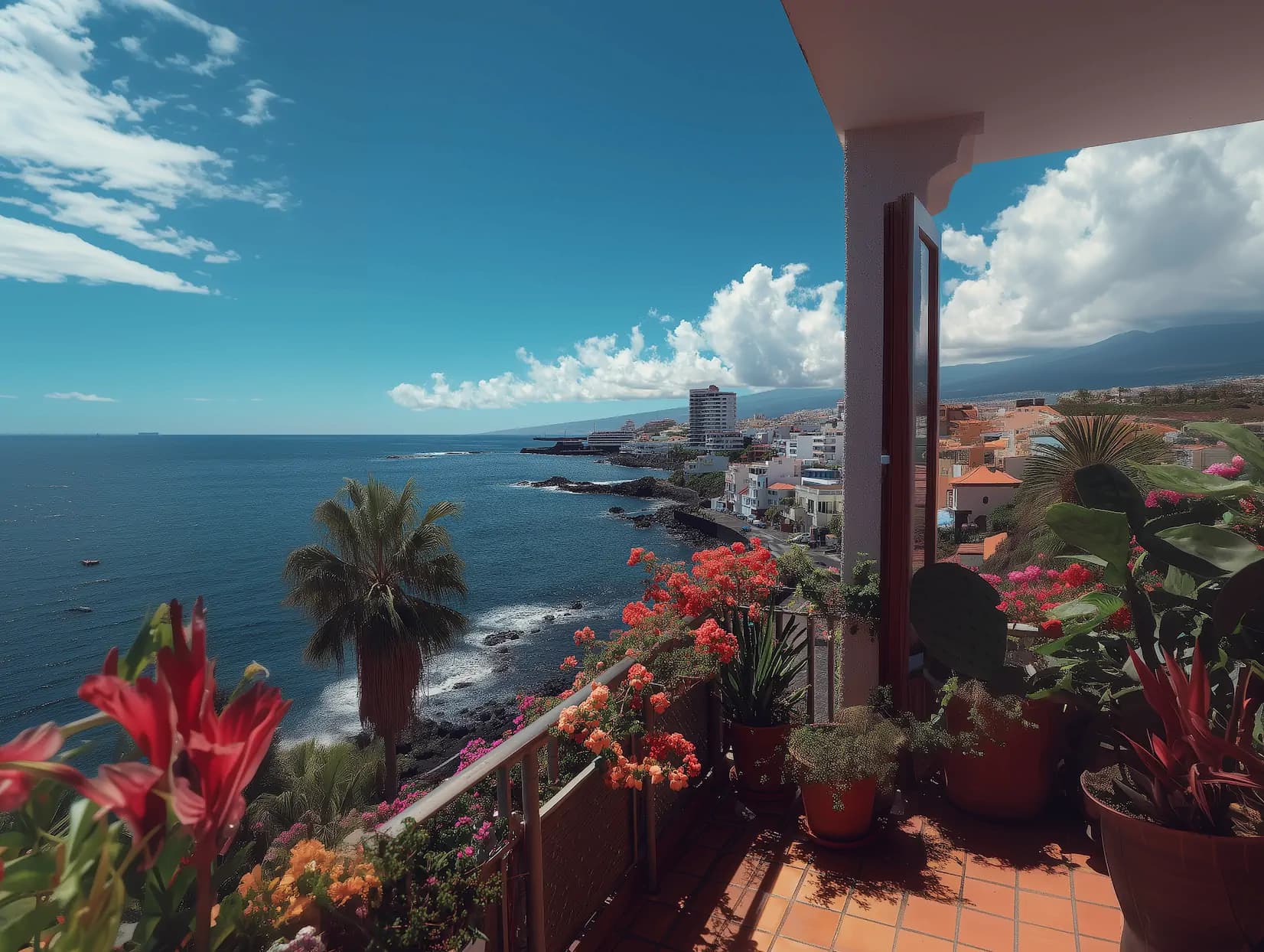
You don't have to explain what a Vivienda Vacacional licence is, why the season works differently here, or how IGIC affects your pricing. I live and work in Tenerife, we start from the same context in the very first message.
Real reviews from the WebsiteOK Google listing, from businesses in Poland and Ireland I still support technically today. You can verify each one on Google.
„I’ve worked with WebsiteOK for several years while growing my transfer company in Ireland. They built my website and have continued to improve it whenever needed. Communication has always been easy, and I really appreciate that they understand my business without me having to explain everything from scratch. I’m happy to recommend.”
„WebsiteOK built the website for my physiotherapy and massage practice CareCore in Ireland. (…) What I really appreciate is that the help didn’t end once the site went live. Whenever I need changes, new content or a technical fix, I can always count on support. (…) I especially recommend WebsiteOK to people running their own business who need a professional website and reliable IT help afterwards.”
„WebsiteOK built our AquaView online store, tailored to selling aquarium products on the Irish market. (…) Whenever there are technical issues, changes to make or new features to add, we can count on fast, concrete help. (…) We recommend WebsiteOK to companies that need not just a website or online store, but also reliable technical support once it’s live.”
„Working with Krzysztof is genuinely great. From the very start he listens carefully to the client’s needs and ideas, while also suggesting solutions you often wouldn’t think of yourself. (…) Communication is smooth and everything we agree on gets done as we go. You can tell he cares about the final result being polished and meeting expectations. I recommend working with him with a clear conscience!”
„I wholeheartedly recommend Krzysztof’s company and services. Our cooperation went very well from the start. Krzysztof is very patient, creative and empathetic. Without any pressure, I could co-create with him a website tailored to my needs and vision. Complete professionalism. Once again, I recommend him.”
„I’m very satisfied. Very professional service. Very good communication. Excellent customer service. Quick response. Highly recommended.”
The landing page answers a specific intent: industry, service and location.
A form or availability calendar collects the details needed for a quote and fulfilment.
The enquiry lands in the panel with context: where it came from and what it's about.
Statuses, payments, notes and the people assigned to fulfilment, all in one place.
Contact history, segments and follow-ups instead of starting the conversation from scratch.
Less manual work for the team and fewer forgotten messages during the season.
WebsiteOK builds a panel for managing bookings, clients, payment status, the calendar and notes, a single place instead of email, WhatsApp and a spreadsheet.
See sample panelsProperty occupancy, blocks synced from Booking.com and Airbnb, payment statuses and notes.
Journeys assigned to drivers, flight number, and delivery and payment status.
Dates with a place limit, participant lists, language and deposit status.
Staff and specialist schedules, deposits, history and reminders.
Admin panel to manage bookings, customers, dates, payments and statuses for tourism and service businesses in the Canary Islands.
View the featureCRM for bookings, enquiries and returning customers. Guest database, contact history, lead sources and automated post-booking communication.
View the featureOnline payments, deposits and payment statuses in booking systems for apartments, tours, transfers, salons and clinics in the Canary Islands.
View the featureiCal/API calendar synchronisation between your website, Booking.com, Airbnb, Vrbo, Google Calendar and the admin panel.
View the featureAutomated email and SMS messages after a booking: confirmations, instructions, reminders, check-in, reviews and returning customers.
View the featureSEO landing pages for booking systems, tourism services, apartments, transfers, hire firms, salons and clinics in the Canary Islands.
View the featureWe don't sell one universal theme. The structure of the website, panel and CRM is tailored to your specific industry and booking process.
An apartment, transfer, tour, salon and clinic each need different form fields, statuses and payment rules. The system reflects your business's real process.
Content, landing pages and messaging are written for specific services and locations, to build a brand rather than another marketplace profile.
The website, SEO, advertising, video content and CRM work together as parts of a larger booking and sales system, rather than separate, disconnected services.
The site is built so search engines understand what you offer and where you operate. The result: you show up when someone searches for a place to stay or a service on your island, and you pay no commission for it.
The site opens in a fraction of a second even on weak signal by the pool. A slow site is an abandoned booking.
Structure and copy are prepared so search engines know exactly which service you provide and in which town.
Add an offer or a location and search engines see it straight away. Nothing to remember, nobody to brief.
Send the link on WhatsApp or post it on Facebook and it shows the photo, title and description, not a bare URL.
Articles answer the questions your guests actually type into Google, and lead them to your site.
Start with a site and a form, then add the admin panel, CRM and integrations when you genuinely need them.
Below are indicative directions for working together. You'll find the exact scope, features and pricing on the full offer page.
A website with a booking or enquiry form, tailored to a single industry and basic SEO.
An availability calendar, online payments or deposits, and automatic messages to customers.
An admin panel, a CRM with customer history, and landing pages for several services or locations.
An extensive system with integrations, multiple properties or staff, and advanced automation.
No. The website is the entry point, but we build the full system: bookings, an admin panel, CRM, payments, calendar sync and message automation around that site.
Yes. These are among the main industries we design booking systems for, with a calendar, deposits, Booking.com and Airbnb sync, and a guest CRM.
Yes. The CRM can be a module of the panel or a separate system connected to the website, with client history, lead sources and segments.
Yes. A panel for managing bookings, clients, payment status, the calendar and notes is part of most deployments.
Yes. The website can handle online payments and deposits, and the payment status can automatically change the booking status.
Yes. Each industry or feature can have its own page with a meta title, meta description, H1, FAQ and a form tailored to the service.
No. Every system is tailored to the industry, the booking process and the client's brand, we don't sell one universal theme.
Yes. You can start with a site featuring a booking form, and later add a panel, CRM, payments, calendar sync and further landing pages.
Opening an online store from Tenerife or another island? The Canaries use IGIC, and shipping to the mainland is formally…
Read more
Got a website in Polish and want to reach Spanish customers? Machine translation gives you the structure, not the custom…
Read more
Anyone starting a business in the Canary Islands hears prices from €300 to €6,000 for 'a website' and wonders where the …
Read more